Gallery
Examples of renderings with their associated command lines.
Direct scalars rendering of a point cloud
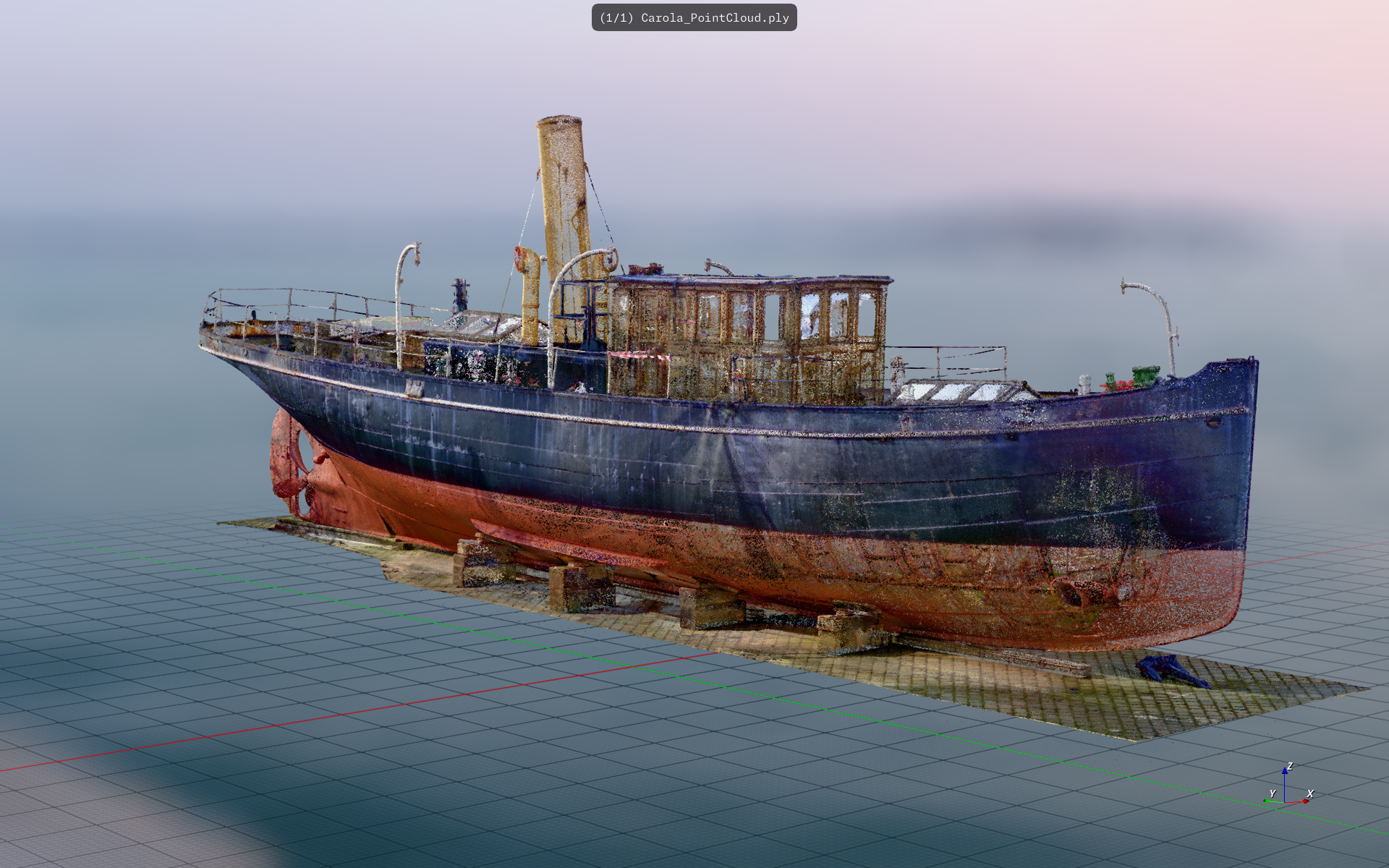 f3d Carola_PointCloud.ply --point-sprites-size=0.3 --point-sprites --hdri-skybox --blur-background --blur-coc=50 --coloring-array=RGBA --up=+Z --hdri-file=venice_sunset_8k.hdr
Raytraced CAD assembly
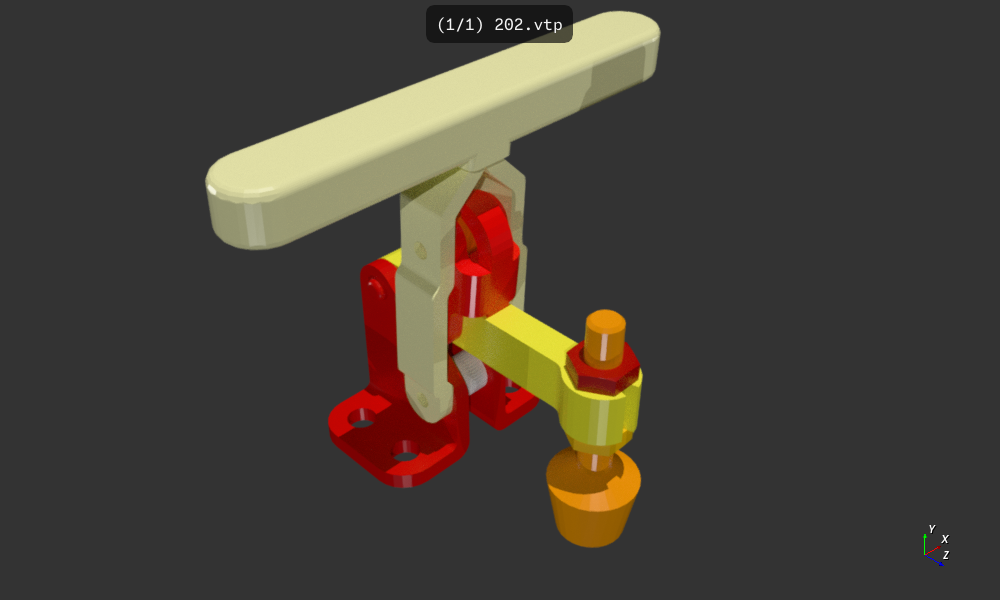 f3d 202.vtp --scalar-coloring --raytracing --raytracing-denoise --raytracing-samples=20 --coloring-range=-2,9
Volume rendering of a security bag scan
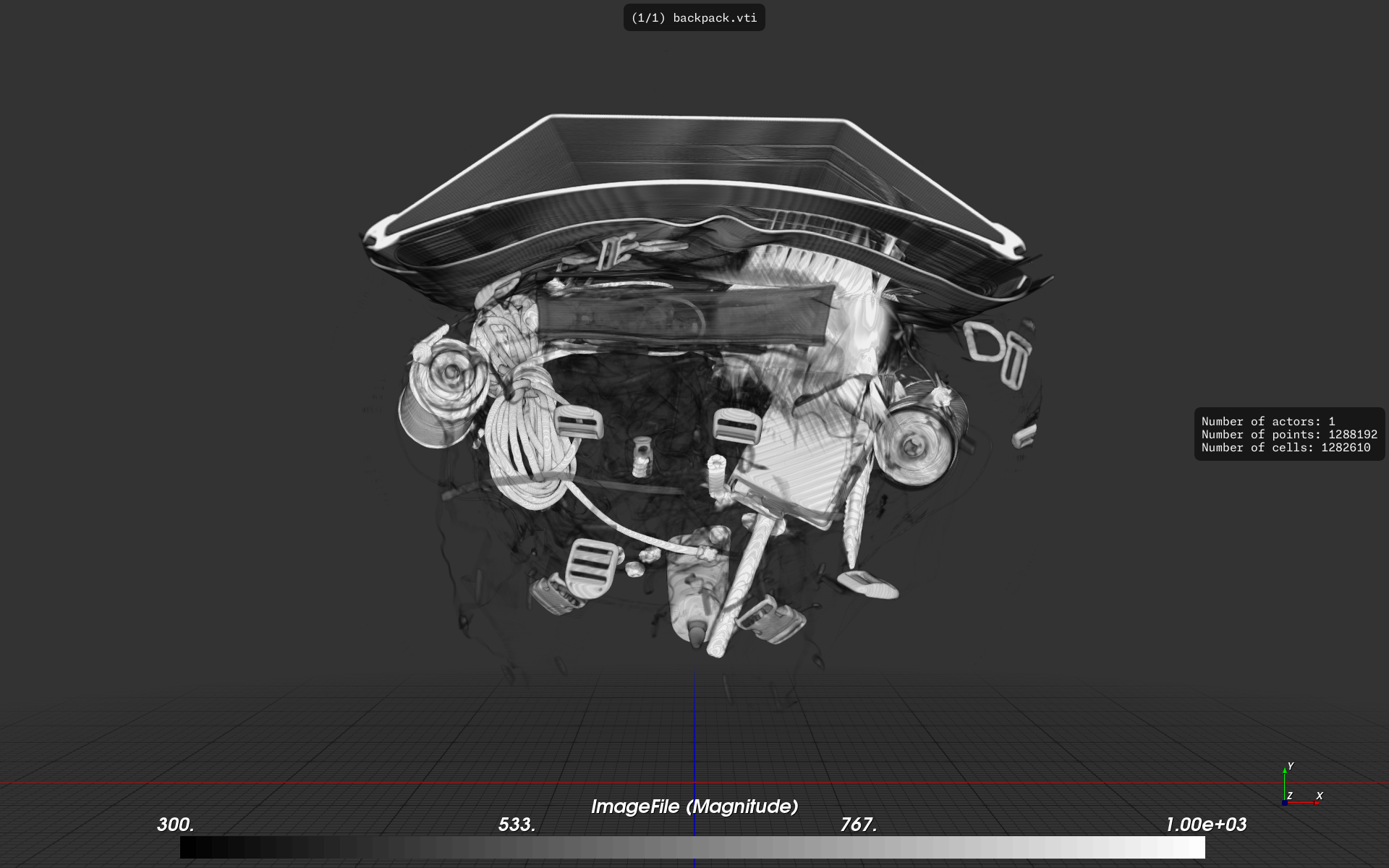 f3d backpack.vti --volume --metadata --coloring-range=300,1000 --colormap=0,#000000,1,#ffffff
Realistic rendering #1
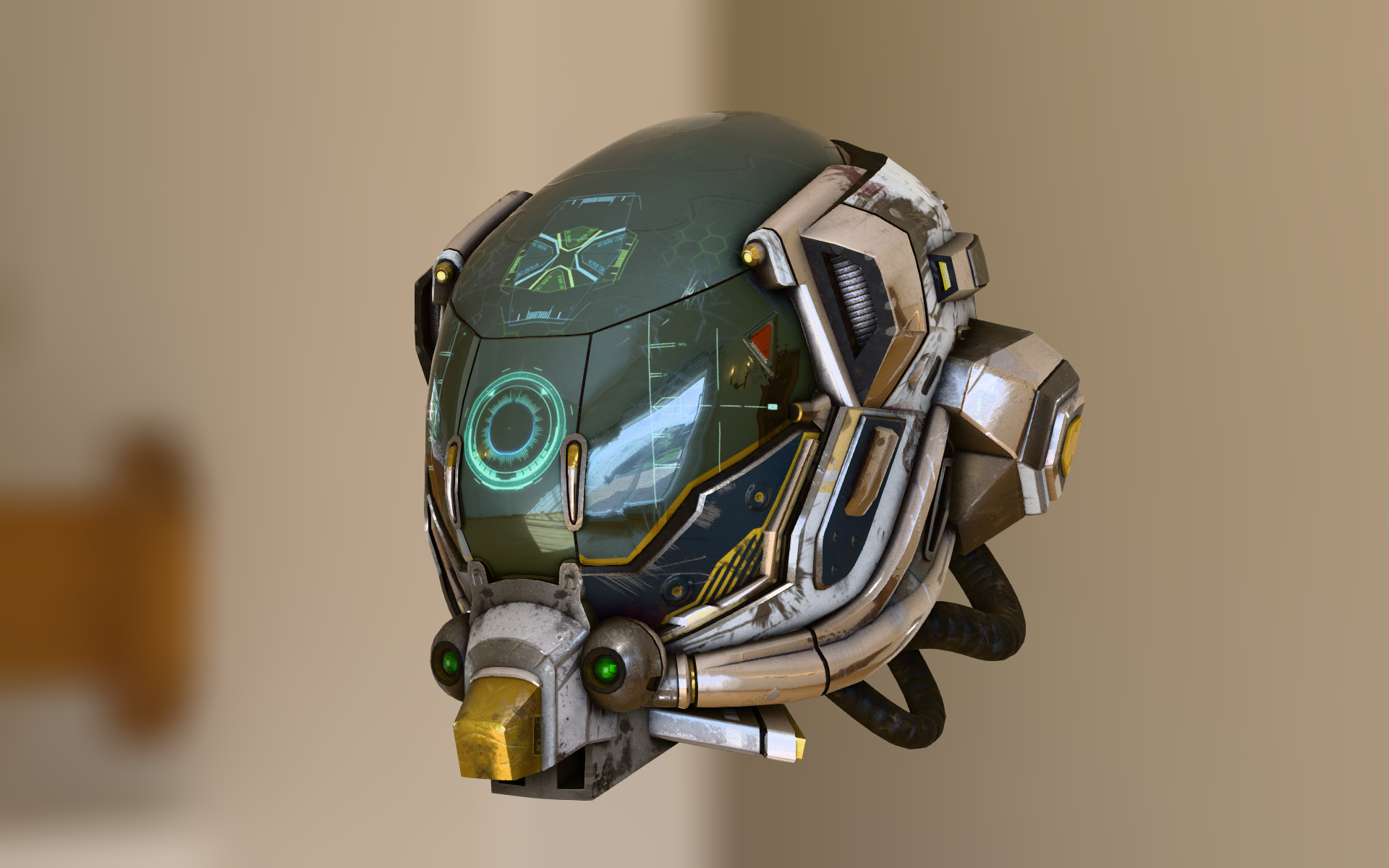 f3d DamagedHelmet.glb --hdri-file=lebombo_4k.hdr --hdri-skybox --blue-background --ambient-occlusion --grid=false --axis=false
Showcase of interactive widgets
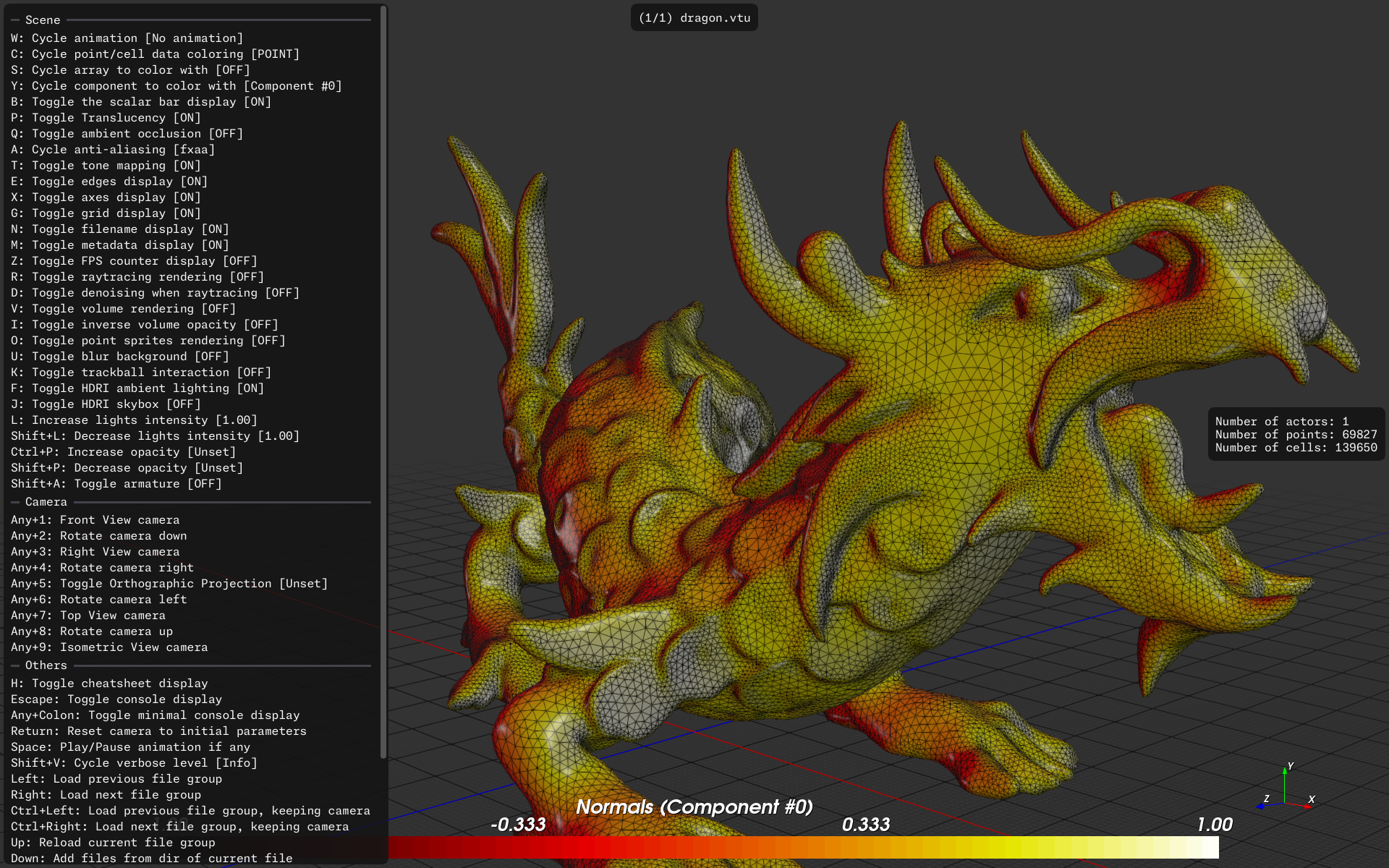 f3d dragon.vtu --scalar-coloring --edges --metadata --coloring-component=0
Metallic Rendering of a STEP file
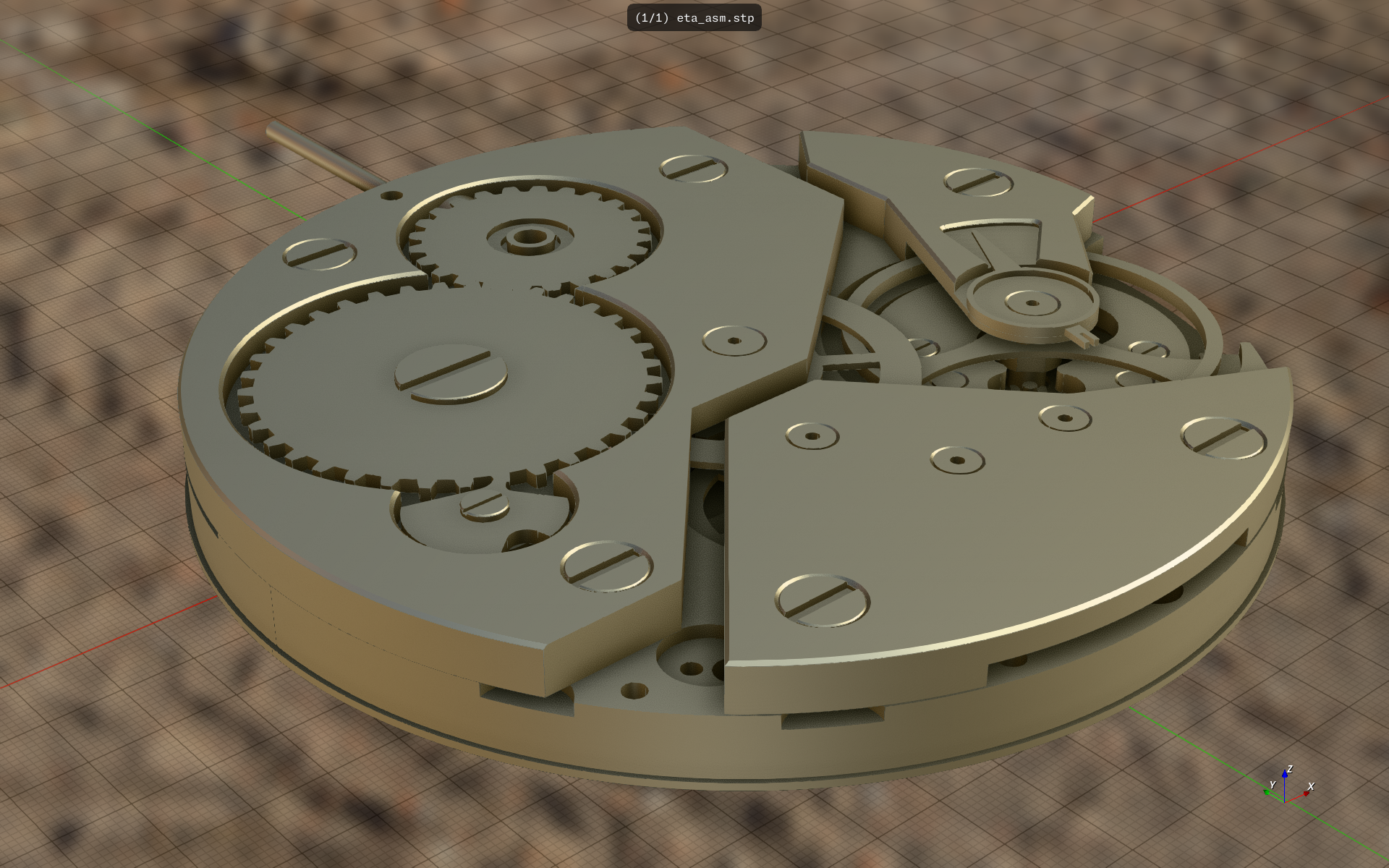 f3d eta_asm.stp --hdri-file=future_parking_2k.hdr -DSTEP.linear_deflection=0.01 --hdri-skybox --blur-background --ambient-occlusion --up=+Z --metallic=1 --roughness=0.6 --color=0.98,0.90,0.59 --scalar-coloring=false
Rendering of a FBX file
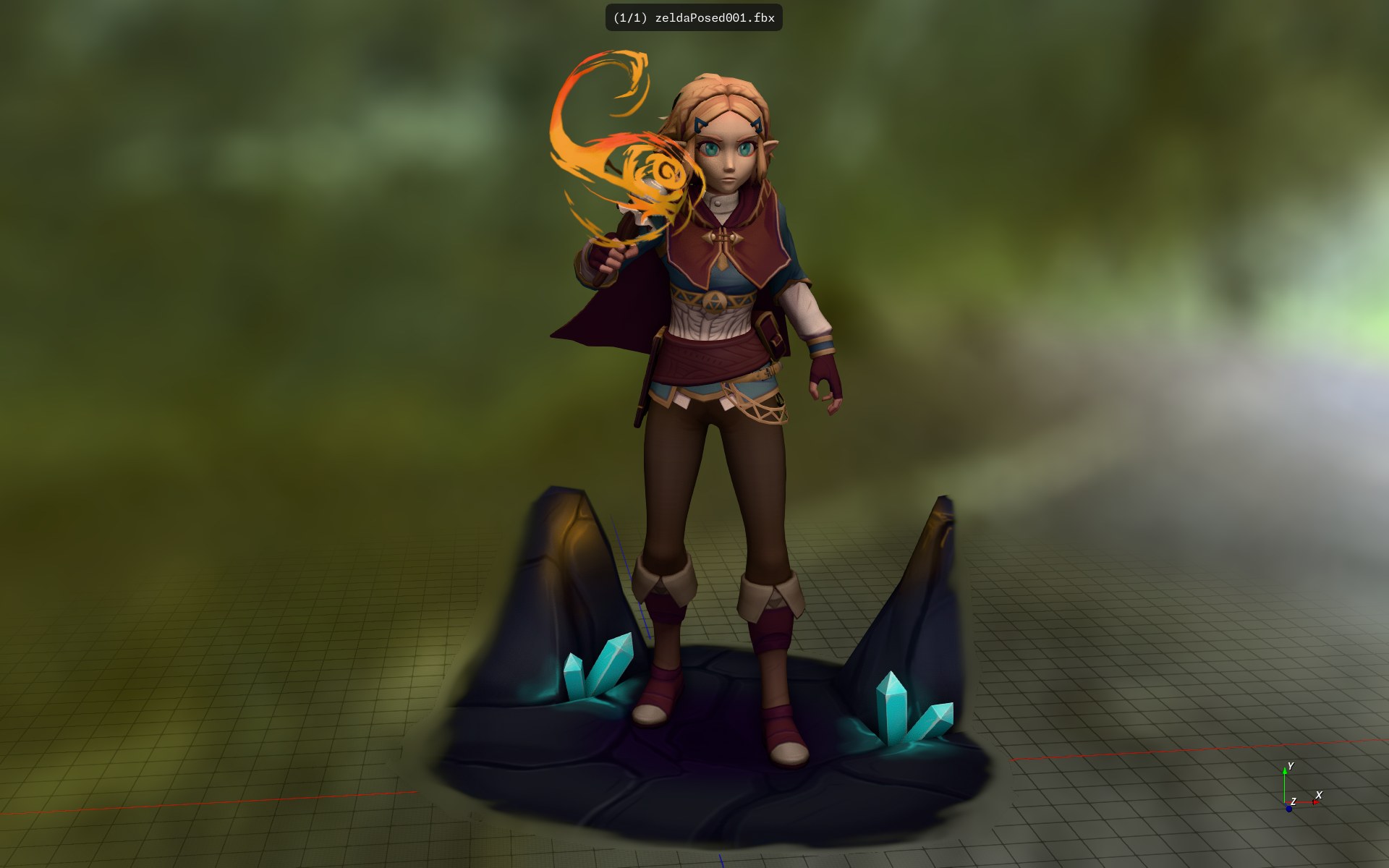 f3d zelda/source/zeldaPosed001.fbx --hdri-file=hikers_cave_2k.hdr --hdri-skybox --blur-background --ambient-occlusion --light-intensity=1.5 --blur-coc=50
Realistic rendering #2
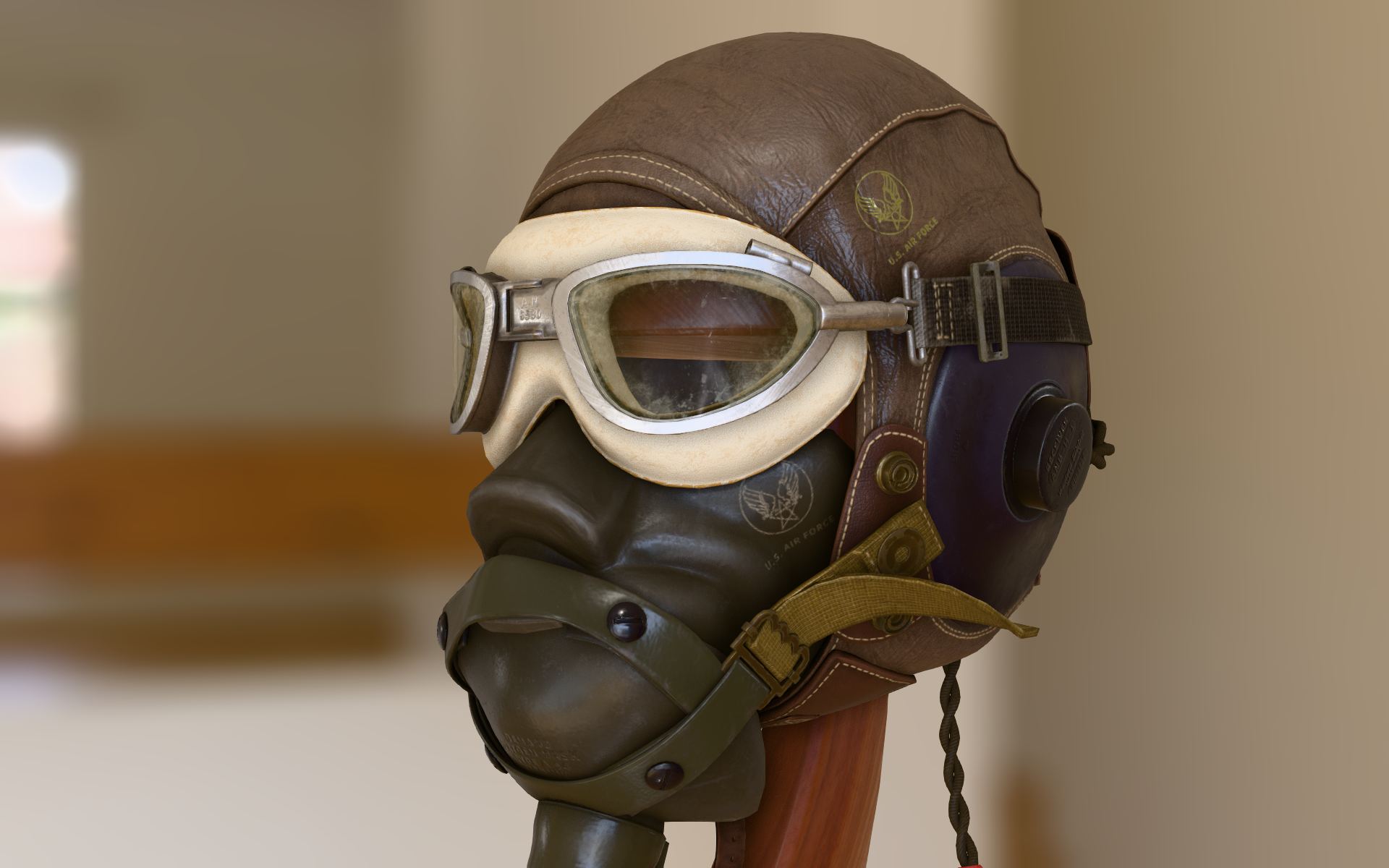 f3d FlightHelmet.glb --hdri-file=lebombo_4k.hdr --hdri-skybox --blur-background --ambient-occlusion --axis=false --grid=false
Visualization of a CFD velocity field
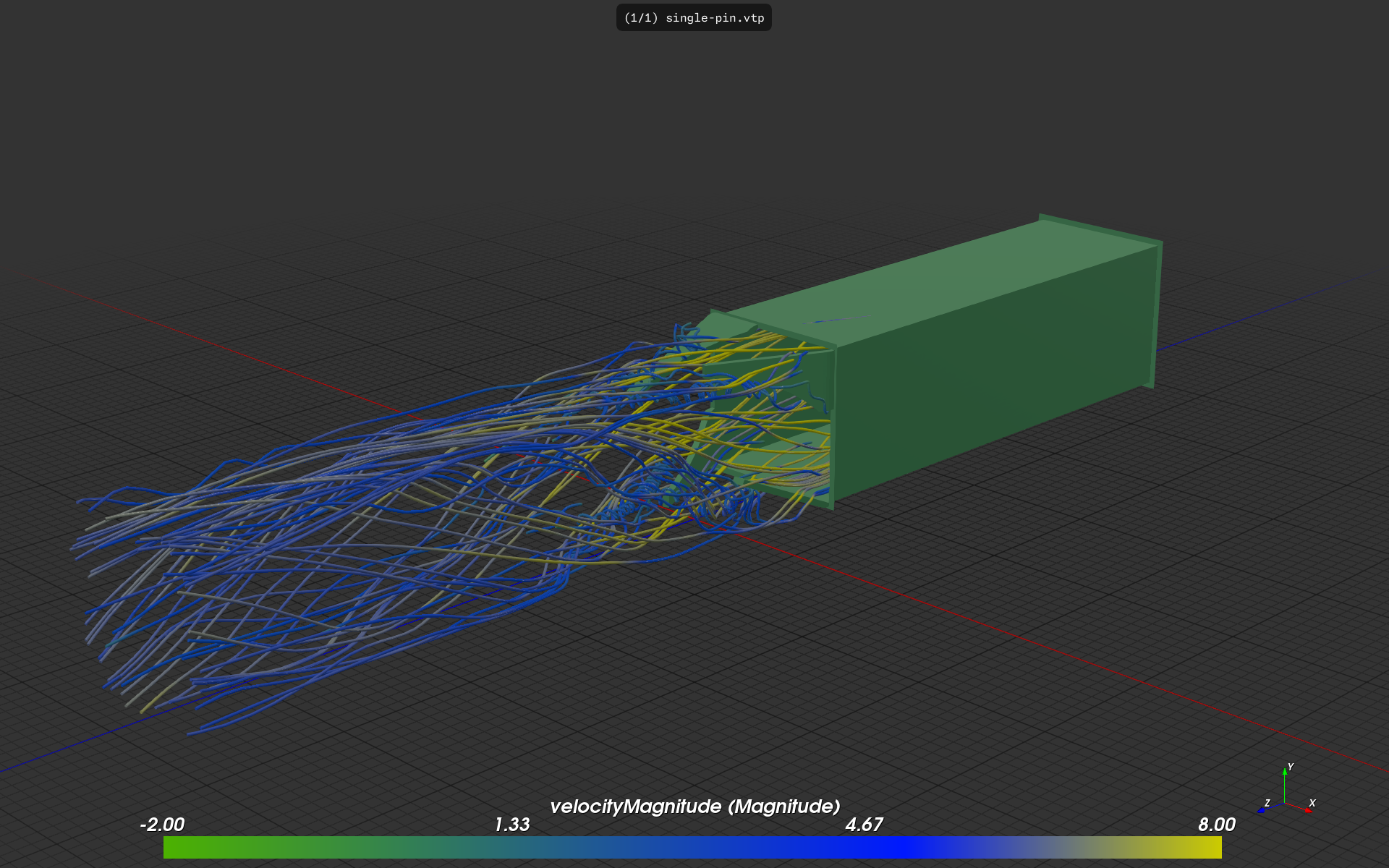 f3d single-pin.vtp --coloring-scalar-bar --scalar-coloring --coloring-range=-2,8 --colormap=0,0.3,0.7,0,0.7,0,0.1,1,1,0.8,0.8,0
Volume rendering of a medical skull scan
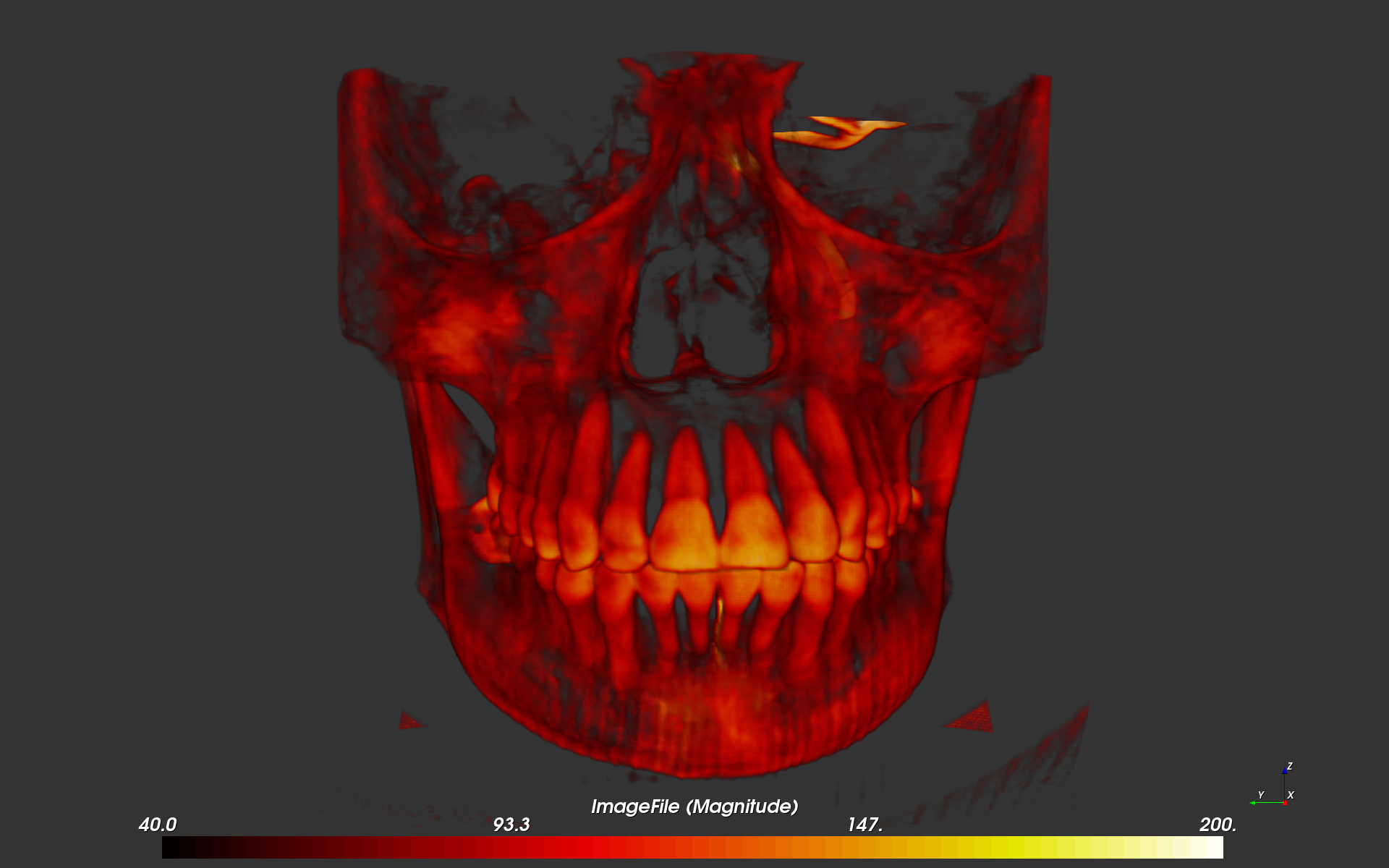 f3d skull.vti --volume --coloring-scalar-bar --coloring-range=40,200 --camera-direction=1,0,0 --up=+Z
Point cloud rendering using sprites
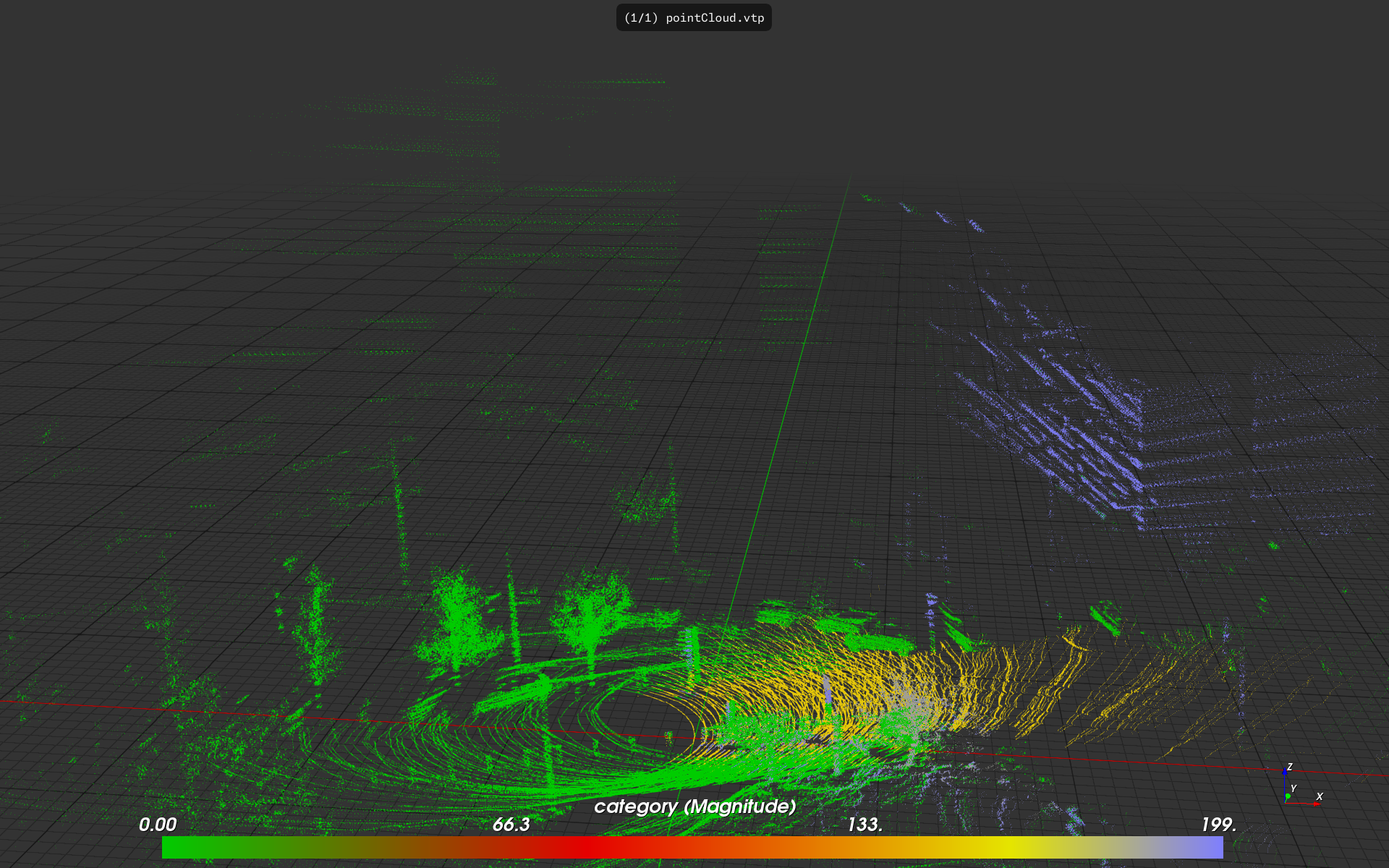 f3d pointCloud.vtp -o --point-sprites-size=0.2 --colormap=0,0,0.8,0,0.4,0.9,0,0,0.8,0.9,0.9,0,1,0.5,0.5,1 --up=+Z
Acknowledgments
note
Images and videos displayed below use public datasets, you can download them here. The provided commands assume a standard configuration file is present in your F3D installation.
- Bristleback DOTA Fan-Art by Nikolay_Tsys
- SY Carola (point cloud) by Scottish Maritime Museum
- Gearbox Animation by DZHUSI ØNE
- Watch movement by Greg Brown
- Zelda - Breath Of The Wild by theStoff
- Venice Sunset HDRI and Hiker’s Cave HDRI by Greg Zaal
- Future Parking HDRI by Sergej Majboroda